Freelancers often manage multiple clients, projects, and deadlines simultaneously. From discussing project requirements to tracking revisions and sending follow-up emails, client communication can consume a significant amount of time.
Freelancers often manage multiple clients, projects, and deadlines simultaneously. From discussing project requirements to tracking revisions and sending follow-up emails, client communication can consume a significant amount of time.
Keeping track of everything discussed during meetings isn't always easy. Missing an important detail can lead to misunderstandings, delayed projects, and unnecessary revisions.
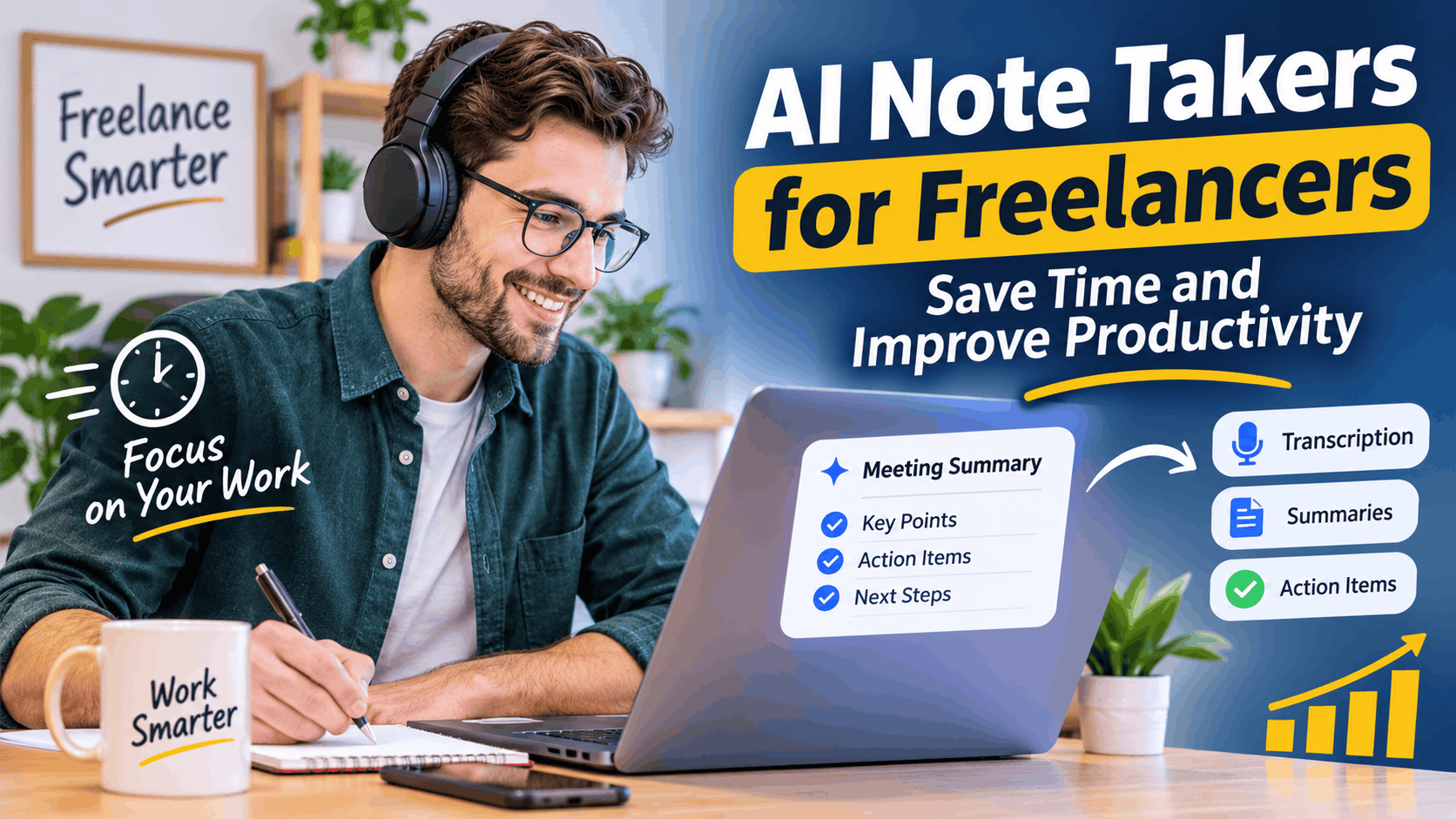
This is where an AI note taker for freelancers becomes useful. These tools automatically capture conversations, convert speech into text, generate meeting summaries, and identify important action items.
Whether you're a freelance writer, designer, developer, consultant, or digital marketer, AI note-taking tools can help you stay organized and focus more on your actual work.
What Is an AI Note Taker?
An AI note taker is a software application that uses artificial intelligence and speech recognition to capture and organize meeting conversations.
Instead of manually writing everything down, freelancers can use these tools to:
- Record and transcribe meetings.
- Generate automatic meeting summaries.
- Identify important client requirements.
- Extract tasks, deadlines, and decisions.
- Organize meeting notes for future reference.
These features make managing client conversations easier, especially for freelancers working with multiple clients.
Why Do Freelancers Need AI Note Takers?
Managing several client relationships requires excellent communication and organization. AI note-taking tools help freelancers handle these responsibilities more efficiently.
1. Save Time During Meetings
Writing notes while talking to clients can be distracting. An AI meeting assistant for freelancers captures important information automatically, allowing you to focus on the conversation.
2. Never Miss Important Details
Clients may discuss project requirements, deadlines, revisions, and expectations during a single meeting. AI-generated notes provide a record you can revisit whenever necessary.
3. Improve Client Communication
Accurate meeting records help freelancers send better follow-up emails, confirm project requirements, and avoid misunderstandings.
4. Track Tasks and Deadlines
Many AI tools identify responsibilities and deadlines mentioned during meetings, making it easier to manage projects and complete tasks on time.
How Does an AI Meeting Assistant Work?
Most AI meeting assistants follow four simple steps:
- Capture conversations: Record or capture audio from supported meetings.
- Transcribe speech: Convert spoken conversations into written text using AI meeting transcription.
- Generate summaries: Identify important topics, decisions, and client requirements.
- Extract action items: Organize follow-up tasks and deadlines into an easy-to-read format.
The result is an organized meeting record without spending additional time writing everything manually.
Essential Features to Look for in AI Meeting Notes for Freelancers
Not every AI note-taking application offers the same functionality. Here are some important features to consider.
Accurate AI Meeting Transcription
Choose a tool that can accurately recognize different accents, technical terminology, and multiple speakers. This is particularly important when working with international clients.
Automatic Meeting Summaries
A good AI meeting summary generator should highlight important discussion points, decisions, client requirements, and next steps.
Meeting Action Items Generator
An effective meeting action items generator identifies tasks and deadlines discussed during conversations.
For example, after a meeting with an SEO client, it might identify tasks such as:
- Complete keyword research.
- Prepare an SEO audit.
- Update website content.
- Schedule the next progress meeting.
AI Note Taker Without a Bot
Some freelancers prefer not to have an additional participant appear in their online meetings.
An AI note taker without a bot can capture audio directly through supported desktop or device recording features instead of joining as a virtual meeting participant.
Always check recording permissions and obtain appropriate consent before capturing client conversations.
Privacy and Security
Client meetings may contain confidential business information. Before choosing a platform, review its privacy policy, data retention practices, recording permissions, and security features.
How Freelancers Can Use AI Note Takers
AI note-taking tools can benefit professionals across different industries.
- Freelance writers: Capture content requirements, writing instructions, article outlines, and revision requests.
- Graphic designers: Record branding guidelines, design preferences, and client feedback.
- Web developers: Document website functionality, technical requirements, integrations, and deadlines.
- Digital marketers: Track campaign objectives, advertising budgets, SEO priorities, and reporting requirements.
- Virtual assistants: Organize client instructions, administrative responsibilities, and follow-up tasks.
By keeping conversations organized, freelancers can reduce mistakes and deliver a more professional client experience.
How to Choose the Best AI Note Taker for Client Calls
Finding the best AI note taker for client calls depends on your budget and working requirements.
Before selecting a tool, consider the following:
- Does it support your preferred meeting platforms?
- Is its transcription accurate?
- Can it generate automatic summaries?
- Does it identify action items and deadlines?
- Can you export or share meeting notes?
- Does it offer bot-free recording?
- Are its privacy policies suitable for your client work?
- Does its pricing fit your budget?
It's also a good idea to test a few meetings before purchasing a subscription.
Are Free AI Note Takers Worth Using?
Yes. A free AI note taker can be a good starting point for freelancers who want to explore automated transcription and meeting summaries without paying for another subscription.
However, free plans often have limitations, including restricted transcription minutes, recording limits, and limited access to advanced AI features.
If you regularly attend client meetings, a paid plan may offer better value through additional integrations, higher usage limits, and advanced functionality.
Common Mistakes to Avoid When Using AI Note Takers
Although AI tools simplify meeting management, freelancers should avoid relying on them without reviewing the results.
- Ignoring transcription errors: Always check important names, technical terms, and project details.
- Ignoring privacy: Understand how the platform stores and processes client information.
- Skipping consent: Inform meeting participants and obtain consent where required.
- Relying entirely on summaries: Verify important decisions, pricing, and deadlines against the original conversation.
Final Thoughts
Managing client communication is an essential part of freelancing, but manually organizing every conversation takes valuable time.
An AI note taker can simplify this process by automatically transcribing meetings, generating summaries, and identifying important action items.
Whether you're a writer, designer, developer, or consultant, the right AI meeting assistant can help you stay organized, improve communication, and spend more time growing your freelance business.
About the Author
Michael Orio is a technology and digital productivity enthusiast interested in artificial intelligence, freelance workflows, and business automation. He explores how emerging AI tools help independent professionals simplify everyday tasks, improve client communication, and work more efficiently.
Through his research and experience exploring digital tools, Michael aims to make technology easier to understand and help freelancers discover practical ways to save time, stay organized, and grow their businesses.